

There are multiple ways to request access to an API on our API Developer Portal.
1. Follow the instructions of the API documentation pages (Recommended)
On the documentation page for each API, you will typically find a “Get Access” button located in the top-right corner:
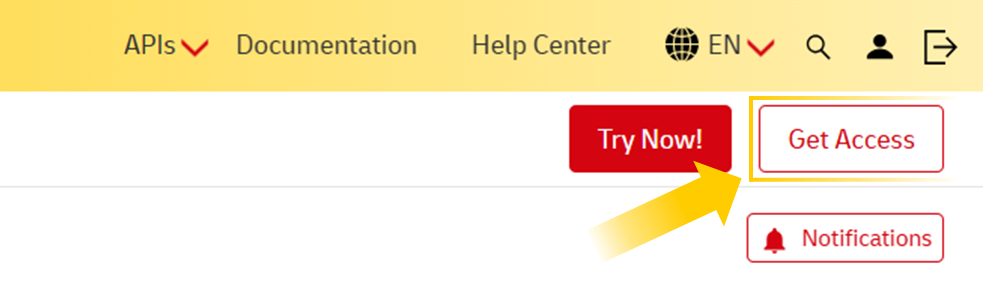
Clicking this button may lead to different onboarding scenarios, depending on the API:
- Create App Panel – You may be directed to the interface where you can create an application and add the API.
- Access a Request Form – You may need to provide additional details, such as your personal information and DHL account number(s).
- Additional Instructions – You may be redirected to another section of the documentation with specific steps, which could include contacting a designated DHL representative via email.
- External Webpage – You may be taken to an external site to complete the onboarding process.
All of these scenarios are valid and align with the procedures defined by each API owner.
2. Add the API via the Create/Edit App Panel Interface
In your profile section, you will find a summary of the Apps you have created.
Create a new App
Under the "APPS" title, you will find a "+ Create App" button:
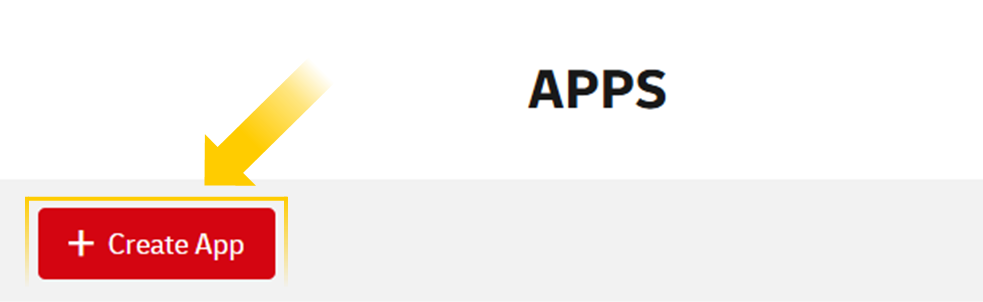
When clicked, you will enter the App Panel Interface, where you can create a completely new App with a name of your choosing and add APIs from the APIs dropdown. This is the same as Method 1.1 explained before.
This method is not recommended because not all APIs exposed on the portal are available in that dropdown, and for those that are, there's no visibility into additional requirements. APIs added in this way may remain in "Pending" status indefinitely. We recommend this method to add APIs you're already knowledgeable of their complete onboarding process.
Edit an existing App
Next to each App name, you will find an "Edit" button:

If you click on it, you will be able to:
- Rename the App
- Remove APIs inside that App
- Add new APIs inside that App. This is the same as Method 1.1 explained before.
We are working to harmonize the onboarding processes across our APIs to provide you with a better experience.